


Creating Music with Audiosdroid Music Production Tools

Creating music on mobile devices has never been easier. With the right tools, you can produce professional-quality sound anywhere. I’ve explored many apps, but Audiosdroid stands out for its simplicity and power. In this post, I’ll share how to create music using Audiosdroid music production tools. I’ll walk you through the process step-by-step, so you can start making your own tracks today.
Why Choose Audiosdroid Music Production Tools?
Audiosdroid offers a complete set of music production tools designed for mobile musicians and audio enthusiasts. The app combines a user-friendly interface with powerful features. Here’s why I recommend it:
Multi-track recording: Record multiple audio tracks easily.
Built-in effects: Add reverb, delay, and EQ to enhance your sound.
MIDI support: Connect external keyboards or controllers.
Loop-based sequencing: Create beats and loops quickly.
Export options: Save your projects in various formats.
These features make Audiosdroid a versatile tool for podcasters, musicians, and anyone interested in audio production. Whether you want to record a song, create a podcast, or experiment with sound design, Audiosdroid has you covered.
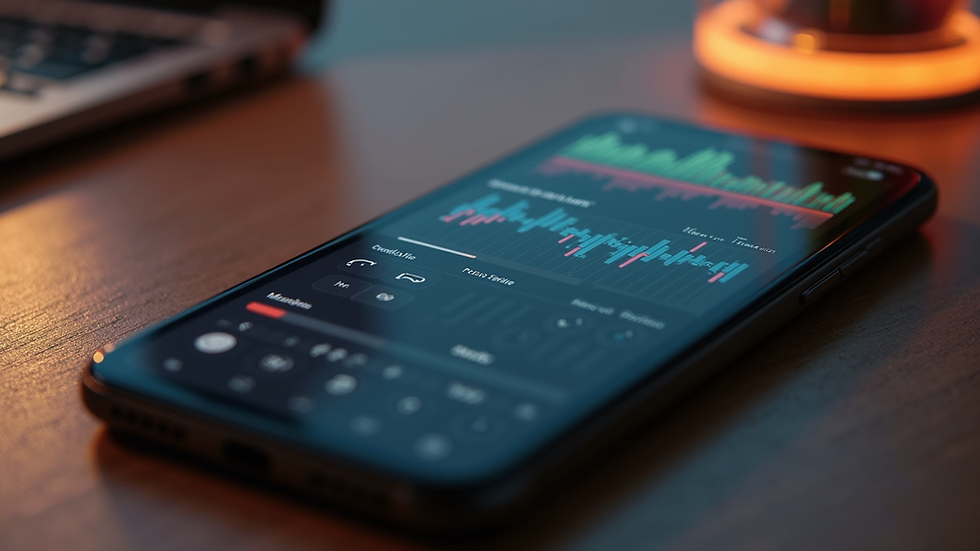
Getting Started with Audiosdroid Music Production Tools
Starting a new project in Audiosdroid is straightforward. Here’s how I begin:
Open the app and create a new project.
Set your tempo and time signature.
Add tracks: Choose audio or MIDI tracks depending on your needs.
Record or import audio: Use the built-in recorder or import samples.
Edit your tracks: Trim, cut, and arrange clips on the timeline.
The interface is clean and intuitive. You don’t need prior experience to get started. The app also supports external MIDI devices, which is great if you want to play virtual instruments live.
Tips for Efficient Workflow
Use the loop feature to repeat sections while composing.
Apply effects on individual tracks to shape your sound.
Save your project frequently to avoid losing work.
Use headphones for better audio monitoring.
Audiosdroid’s design helps you focus on creativity without getting bogged down by technical details.
Exploring Key Features for Music Creation
Audiosdroid music production tools include several features that enhance your creative process. Here are some I find most useful:
Multi-Track Recording and Editing
You can record multiple tracks one after another or simultaneously if your device supports it. This lets you layer vocals, instruments, and beats.
Record vocals on one track.
Add guitar or keyboard on another.
Mix and balance levels easily.
Built-in Effects and Plugins
The app includes essential effects like:
Reverb
Delay
Equalizer
Compressor
These effects help polish your sound without needing external plugins.
MIDI and Virtual Instruments
Audiosdroid supports MIDI input, allowing you to connect keyboards or drum pads. You can also use virtual instruments within the app to add synths, drums, or bass lines.
Loop-Based Sequencing
If you prefer working with loops, Audiosdroid lets you create and arrange loops quickly. This is perfect for electronic music or beat-making.
Export and Share
Once your track is ready, export it in formats like WAV or MP3. You can share your music directly from the app or upload it to your favorite platforms.

Practical Steps to Create a Song Using Audiosdroid
Here’s a simple workflow I follow to create a song from scratch:
Set the tempo: Choose a BPM that fits your style.
Create a drum loop: Use the loop sequencer or record drum samples.
Add bassline: Record a bass guitar or use a virtual instrument.
Record melody or vocals: Use the microphone or import audio.
Arrange tracks: Organize your song structure (intro, verse, chorus).
Apply effects: Add reverb or EQ to enhance each track.
Mix and balance: Adjust volume levels and panning.
Export your song: Save your final mix and share it.
This process is flexible. You can skip steps or add more layers depending on your project.
Where to Find Audiosdroid Music Production Tools
If you want to explore these tools yourself, visit the audiosdroid music production shop. The shop offers the app and additional resources to help you get started. It’s a great place to find updates, tutorials, and support.
Using Audiosdroid, you can turn your mobile device into a powerful music studio. The app’s features are designed to empower creativity without overwhelming you with complexity.
Enhancing Your Music Production Skills
To get the most out of Audiosdroid music production tools, consider these tips:
Practice regularly: The more you use the app, the faster you’ll learn.
Explore tutorials: Many online guides can help you master specific features.
Experiment with effects: Try different combinations to find your unique sound.
Collaborate: Share projects with others and get feedback.
Stay updated: Keep the app updated for new features and improvements.
By following these steps, you’ll improve your music production skills and create better tracks over time.
Final Thoughts on Using Audiosdroid for Music Creation
Audiosdroid music production tools offer a powerful yet accessible way to create music on the go. The app’s features cover everything from recording and editing to mixing and exporting. Whether you’re a beginner or an experienced producer, Audiosdroid can help you bring your ideas to life.
With its intuitive interface and robust capabilities, Audiosdroid is a valuable addition to any mobile musician’s toolkit. Start exploring today and see how easy it is to create music with Audiosdroid.

Comments